
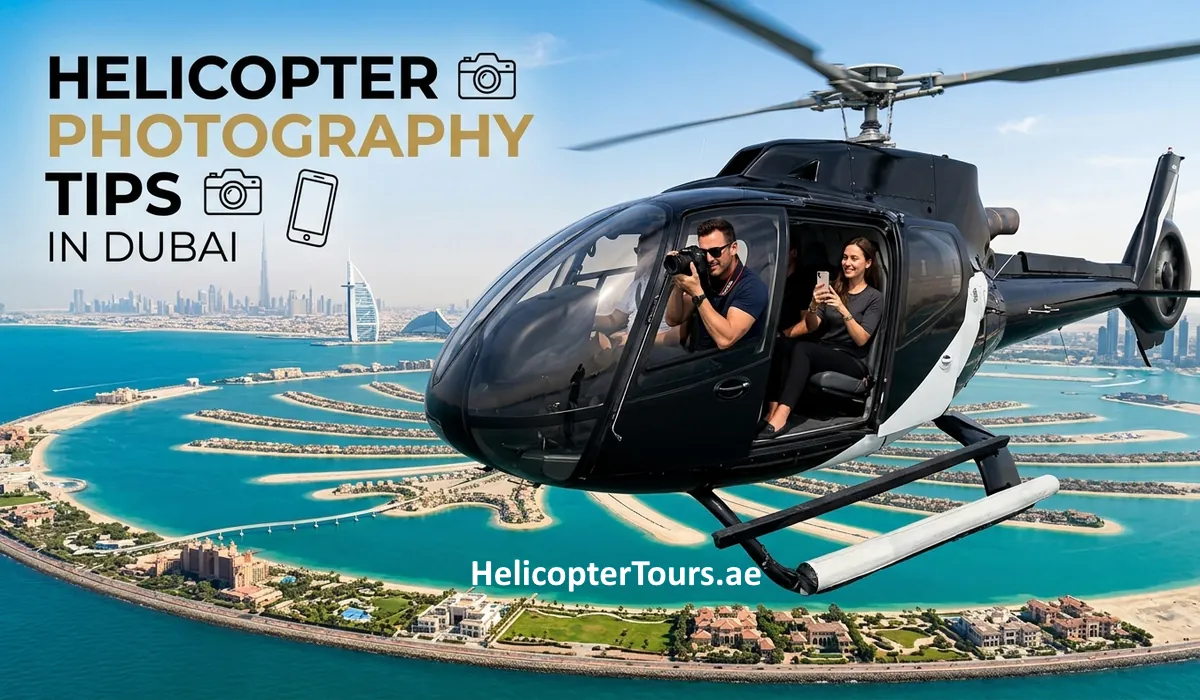
Camera Rules & Best Shots Over Dubai
Phones and most cameras are welcome on a Dubai helicopter tour, but selfie sticks, drones, and long telephoto lenses are not. Use a strap, turn off your flash, shoot with a fast shutter speed, and hold your lens close to the window to avoid glare. UAE law also restricts filming near palaces, military sites, and government buildings, wherever your flight path takes you.
A helicopter tour over Dubai is one of the best photo opportunities in the city. From the air you get the full shape of Palm Jumeirah, the Burj Khalifa rising above everything around it, and the coastline stretching out toward the World Islands. Getting shots that actually do it justice takes a bit more than pointing your phone out the window, and there are a few rules worth knowing before you board.
This guide covers what camera gear is allowed, what’s restricted, and how to come home with photos that look as good as the view actually was.
What Camera Gear Is Allowed
Most of what you’d naturally bring is fine on board:
- Smartphones, switched to flight mode before you step onto the helipad
- Compact and mirrorless cameras with standard or wide-angle lenses
- Any camera or phone with a neck strap or wrist lanyard attached, which is required, not optional, to stop accidental drops in or out of the aircraft
Keep your device secured at all times during the flight, and avoid holding anything outside the window opening, even on tours where the doors or windows can open.
What’s Not Allowed
A few categories are restricted for safety, space, and legal reasons, not because operators are being precious about equipment.
| Equipment | Status | Reason |
|---|---|---|
| Selfie sticks, monopods, gimbals | Banned | Safety hazard near doors and controls |
| Telephoto lenses over 100mm | Banned without a GCAA filming permit | Size and commercial filming rules |
| Drones | Banned | Restricted UAE airspace near helipads |
| Loose lens caps, spare batteries, camera bags | Store in locker | Cabin space and loose-item safety |
Why Telephoto Lenses Are Restricted
Long lenses aren’t just bulky in a compact cabin. Anything over 100mm crosses into commercial-grade filming territory under UAE rules, which requires a GCAA filming permit regardless of who’s holding the camera. For a standard sightseeing flight, a wide-angle or standard lens gets you better shots anyway, since you’re photographing landmarks and coastline, not distant detail.
Why Drones Are a Hard No
Flying a personal drone during or near a helicopter tour is not a grey area. UAE airspace around Dubai’s helipads and active flight paths is tightly regulated, and drone use near operating aircraft is treated as a serious violation, not a minor rule.
What You Legally Can’t Film
This part surprises people, but it applies regardless of which operator you fly with. UAE privacy and security law restricts what you can photograph or film from the air:
- Close-up shots of private villas, private beach estates, or royal palaces
- Military facilities, government buildings, airports, radar installations, and commercial shipping ports
Your pilot will let you know over the headset if the flight path is passing near a restricted area where filming needs to pause. This isn’t a suggestion; it’s UAE federal law, and every passenger on every operator’s aircraft is subject to it.
Getting Better Photos in the Air
A few small habits make a real difference between an average shot and one you’ll actually want to print.
1. Cut window glare. Hold your lens or phone camera within an inch of the window glass without touching it. This blocks reflections from inside the cabin, which is one of the most common reasons in-flight photos come out hazy or double-exposed looking.
2. Turn off your flash. An automatic flash bounces straight back off the window and ruins the shot instantly. Switch it off before takeoff, not after your first attempt.
3. Use a fast shutter speed. Helicopters produce light, constant vibration. A shutter speed of 1/1000s or faster, or Sport/Action mode on a smartphone, keeps your photos sharp instead of slightly blurred, which is easy to miss until you’re looking at them on a bigger screen later.
4. Clean your lens before boarding. Dust and fingerprints show up more than you’d expect once you’re shooting toward bright sky and water. A quick wipe with a microfiber cloth before you get on the helipad avoids hazy, soft-looking shots.
5. Wear dark clothing. This one isn’t about the camera at all, but it affects every photo you take. Bright white or neon clothing reflects off the acrylic windows and shows up as glare in your shots. Dark colors, black, navy, charcoal, cut that down significantly.
6. Shoot wide, not zoomed. With a restricted lens length and a moving aircraft, wide shots of the skyline and coastline usually turn out better than attempts to zoom in on a single building. Save the cropping for after the flight.
Quick Answers
Can I bring my phone or camera on a Dubai helicopter tour? Yes. Phones and standard cameras are welcome, as long as they’re secured with a strap and switched to flight mode.
Are drones allowed near the helipad? No. Drone use near active helicopter operations is restricted under UAE airspace regulations, with no exceptions for personal use.
Can I use a selfie stick during the flight? No. Selfie sticks, monopods, and gimbals are banned for safety reasons near the doors and flight controls.
What lens size is allowed on board? Standard and wide-angle lenses are fine. Telephoto lenses over 100mm require a GCAA filming permit and aren’t practical for a standard sightseeing flight anyway.
Are there places I’m not allowed to photograph? Yes. UAE law restricts filming near private residences, royal palaces, military sites, government buildings, and commercial ports, regardless of flight path or operator.
Final Thoughts
The best helicopter photos over Dubai come from a mix of the right gear and a few simple habits: a strap on your camera, the flash off, a fast shutter speed, and your lens held close to the glass. Stick to what’s allowed on board, respect the no-filming zones your pilot points out, and the view does most of the work for you.